Step 1: Make a BruinLearn ID
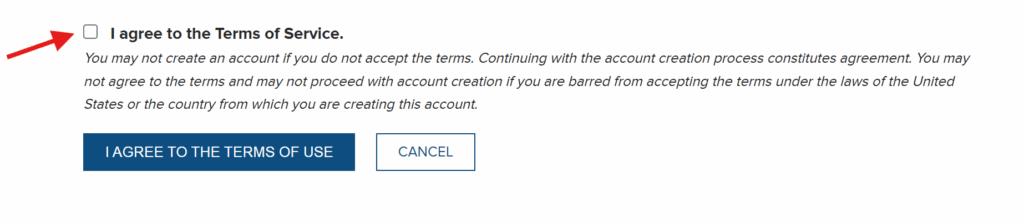
- Go to the UCLA Accounts and Identity Manager and agree to the terms at the bottom of the screen
2. Unless you have a 9-digit UCLA ID (if you were a former/current student or employee), then you should select “I AM A GUEST OF UCLA”
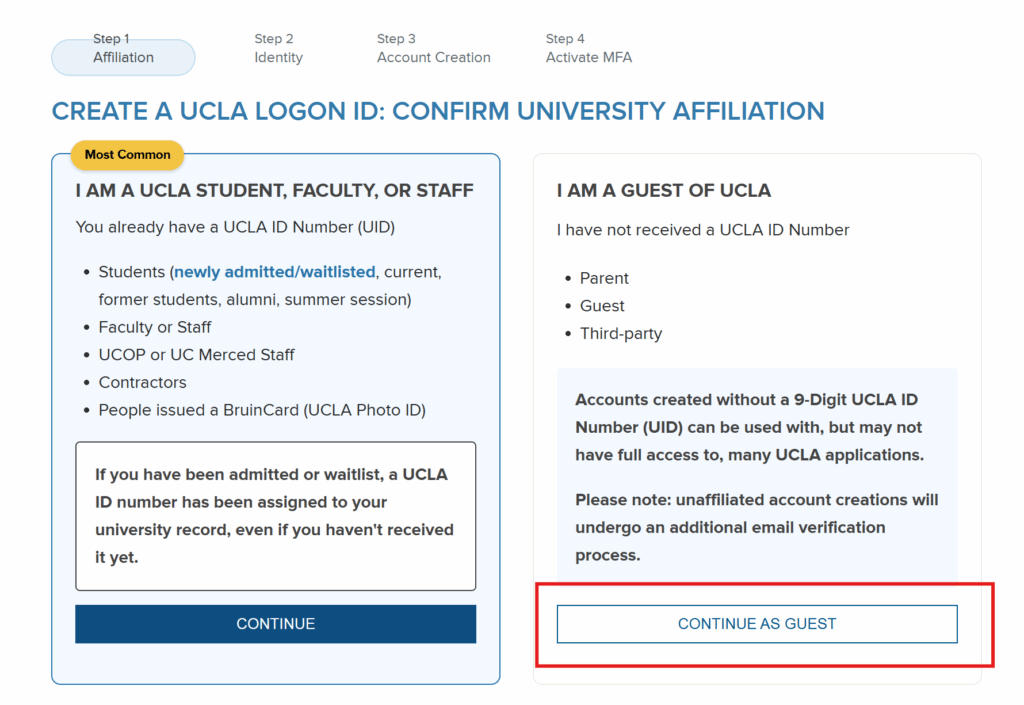
3. Follow the instructions to create the account and activate the MFA
