Step 2: Activate BruinLearn
- Go to BruinLearn
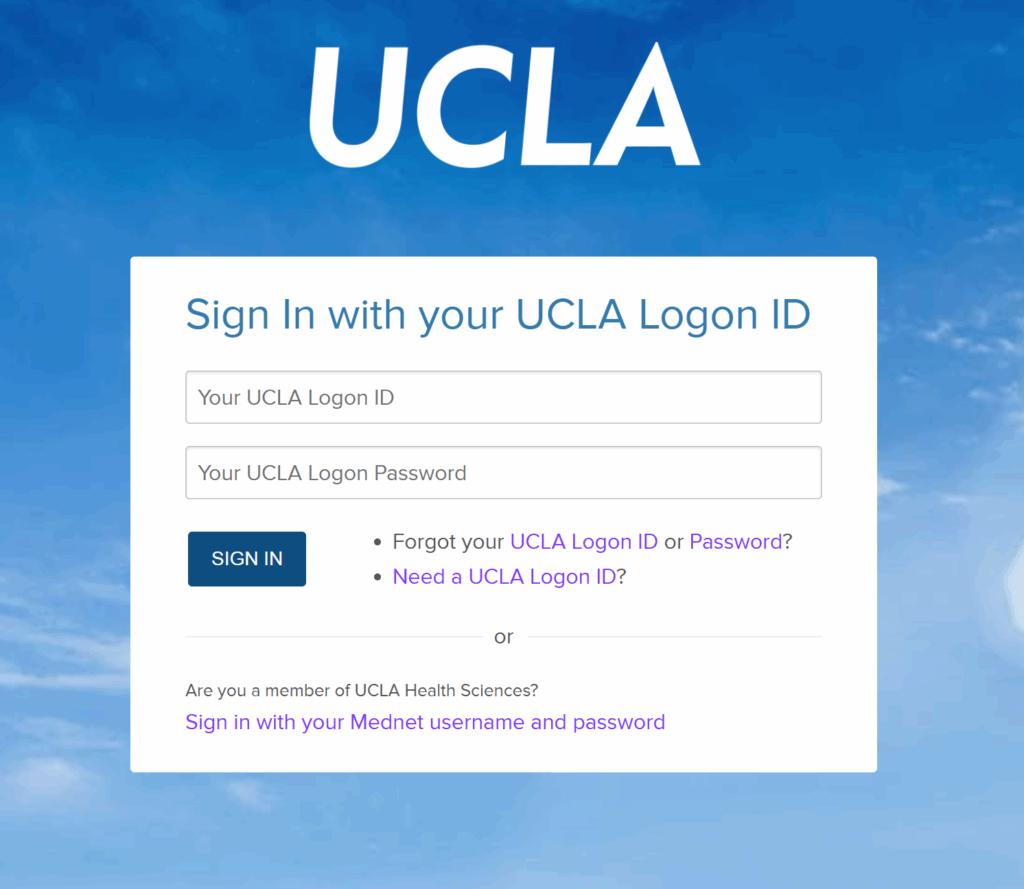
- Sign in using the Bruin Online ID that you just created
Hint: the BOL is the portion of the ID before @ucla.edu. So if your BOL email is JohnSmith@ucla.edu then your BOL ID is JohnSmith
Hint: the BOL is the portion of the ID before @ucla.edu. So if your BOL email is JohnSmith@ucla.edu then your BOL ID is JohnSmith